Locate Objects in Zero-Visibility Water.
Introducing Multibeam Imaging Sonar.

Multibeam Imaging Sonar
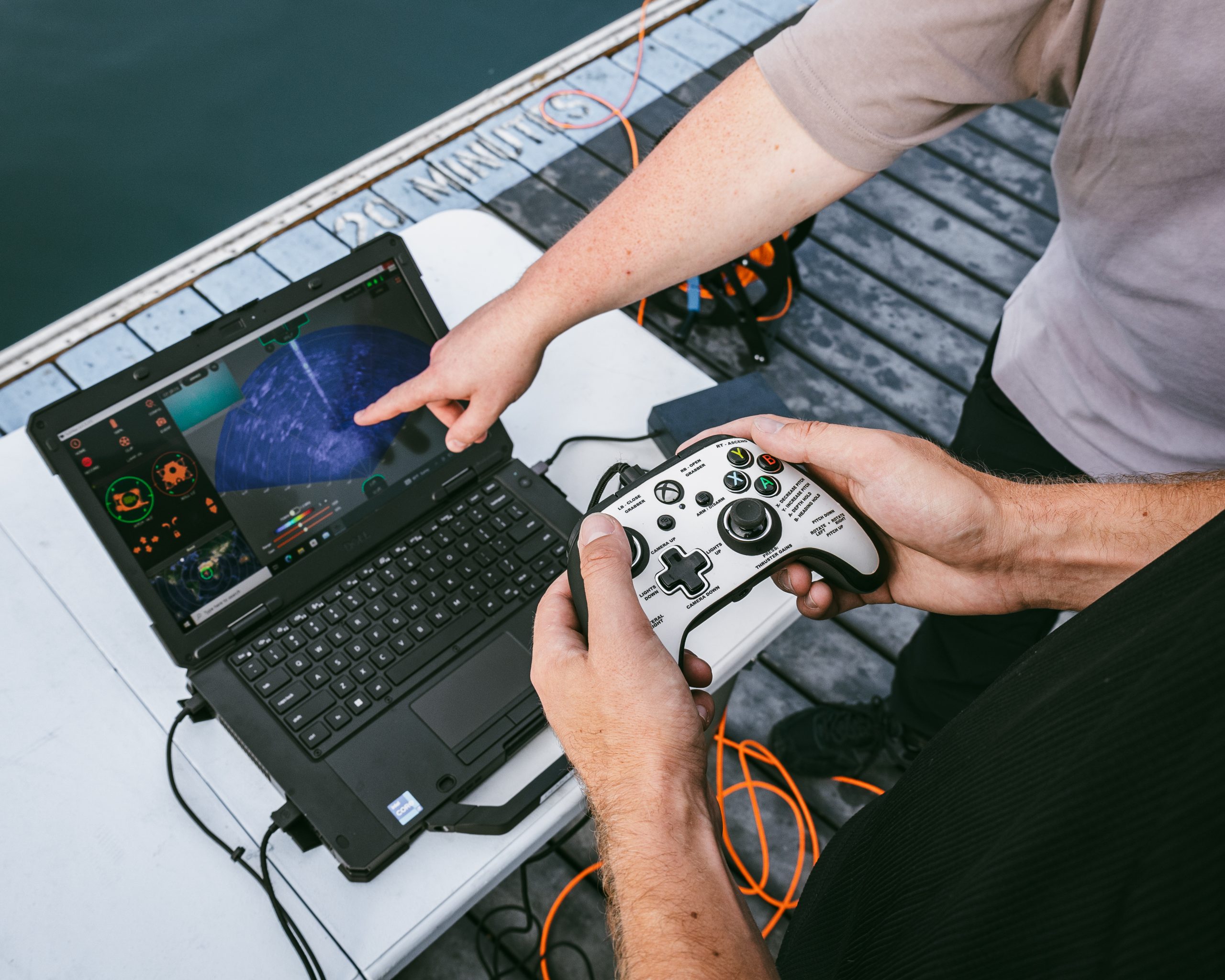
Think of Multibeam Imaging Sonar as an “underwater flashlight” that uses sound waves to create a map of the seafloor in low-visibility water.
For an ROV operator, it acts like a pair of eyes that lets them “see” clearly through sediment or complete darkness to navigate and inspect underwater structures and objects safely.
Available Oculus M-Series Models by Blueprint Subsea
How Do I Choose the Right Sonar For my ROV?
Choosing the right sonar depends on the trade-off between range and detail. In sonar, higher frequencies give you sharper, more detailed images but over shorter distances, while lower frequencies let you see further but with less clarity.
High vs Low Frequency Comparison
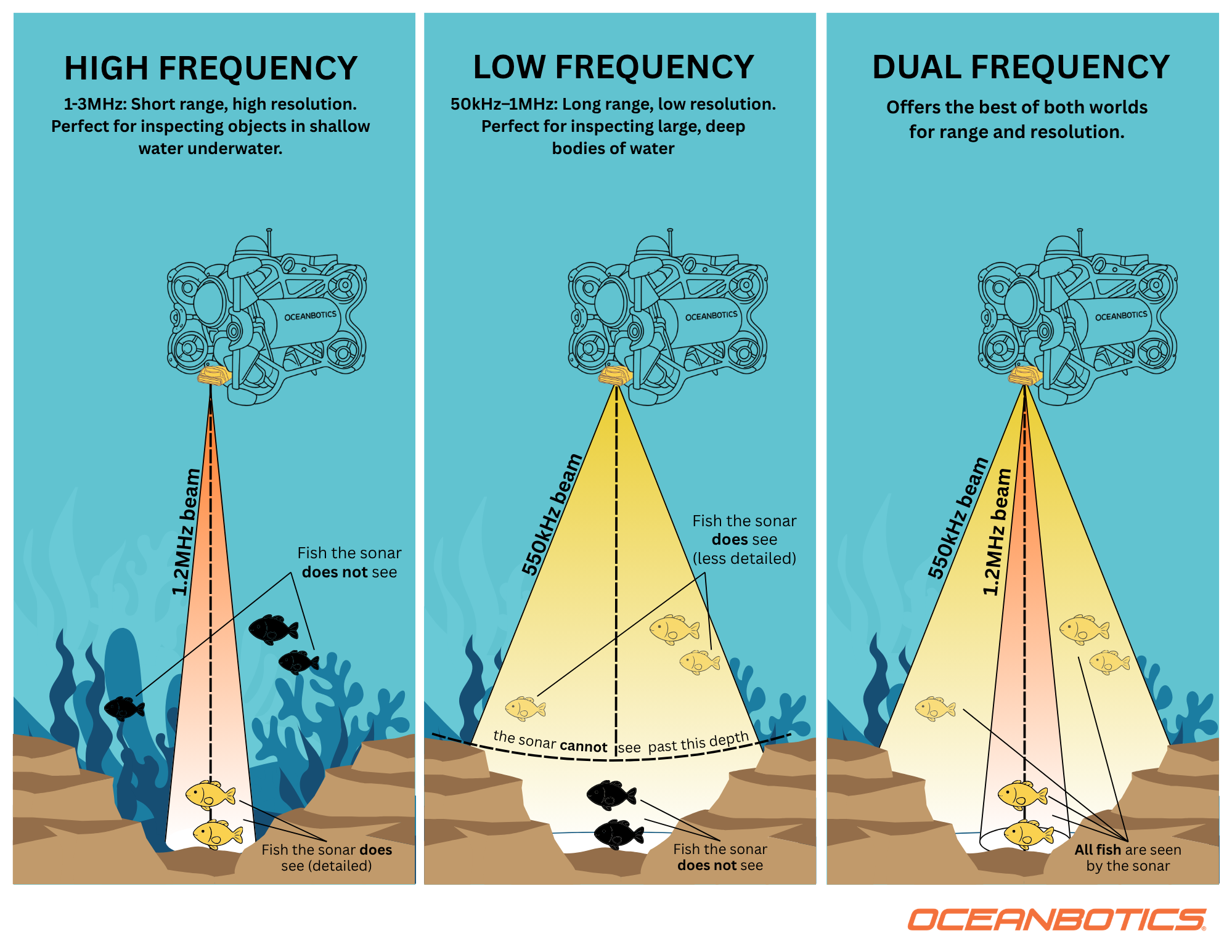
| High Frequency – Detailed Inspection | Low Frequency – Broad Area Coverage | |
|---|---|---|
| Resolution | Higher | Lower |
| Range | Shorter | Longer |
| Best for | Small objects, detailed inspection, clearer shadows | Large area coverage, reconnaissance, and efficient screening |
| Typical survey style | Close, controlled, detail-focused | Broad, efficient, area-focused |
| Examples |
|
|
How Does Sonar Work?
Sonar emits sound pulses (pings) that bounce off objects and return as echoes; the system calculates distance based on how long the echo takes to return.
Imagine your ROV is operating in murky water where you cannot use a regular camera. To “see” underwater, you need to use a special flashlight (imaging sonar) that sends out sound pulses instead of light:
Step 1: The Pulse
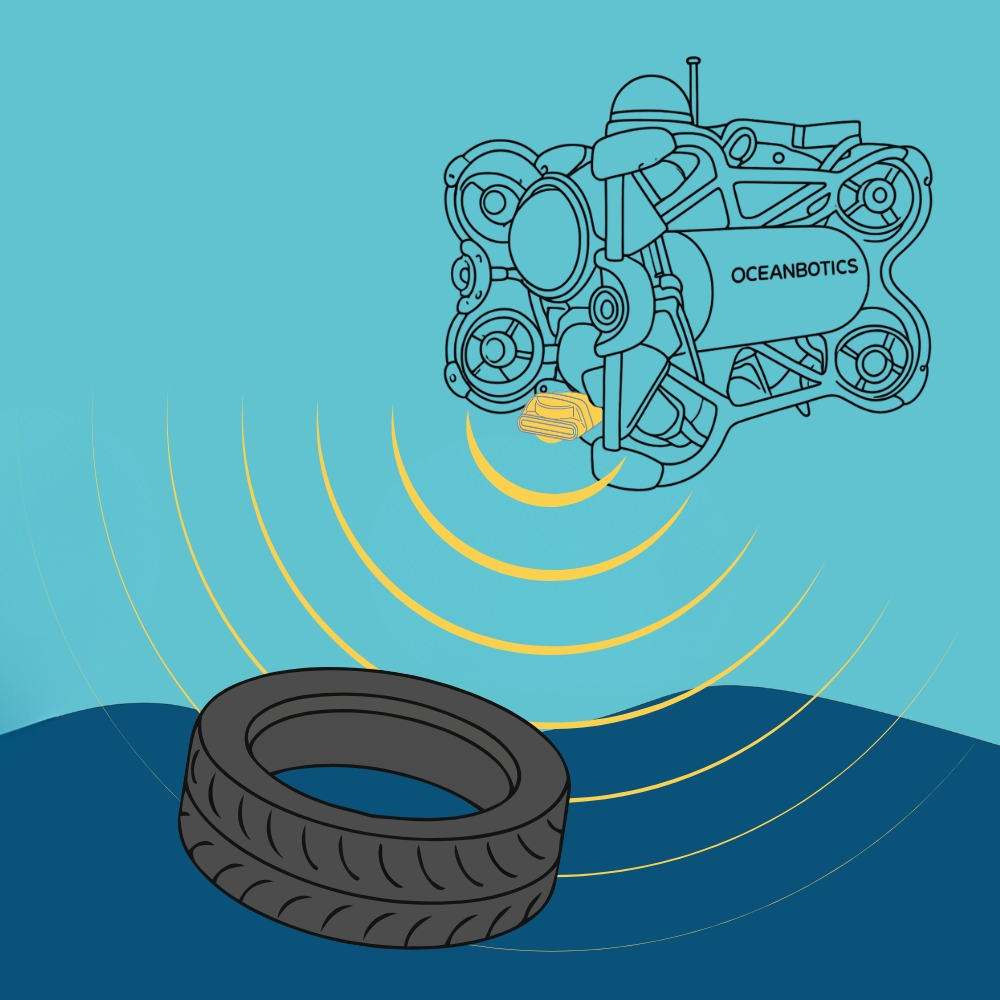
Imaging sonar acts like a wide-beam ‘flashlight’. It sends out a fan-shaped pulse of sound waves into the water.
Step 2: The Bounce
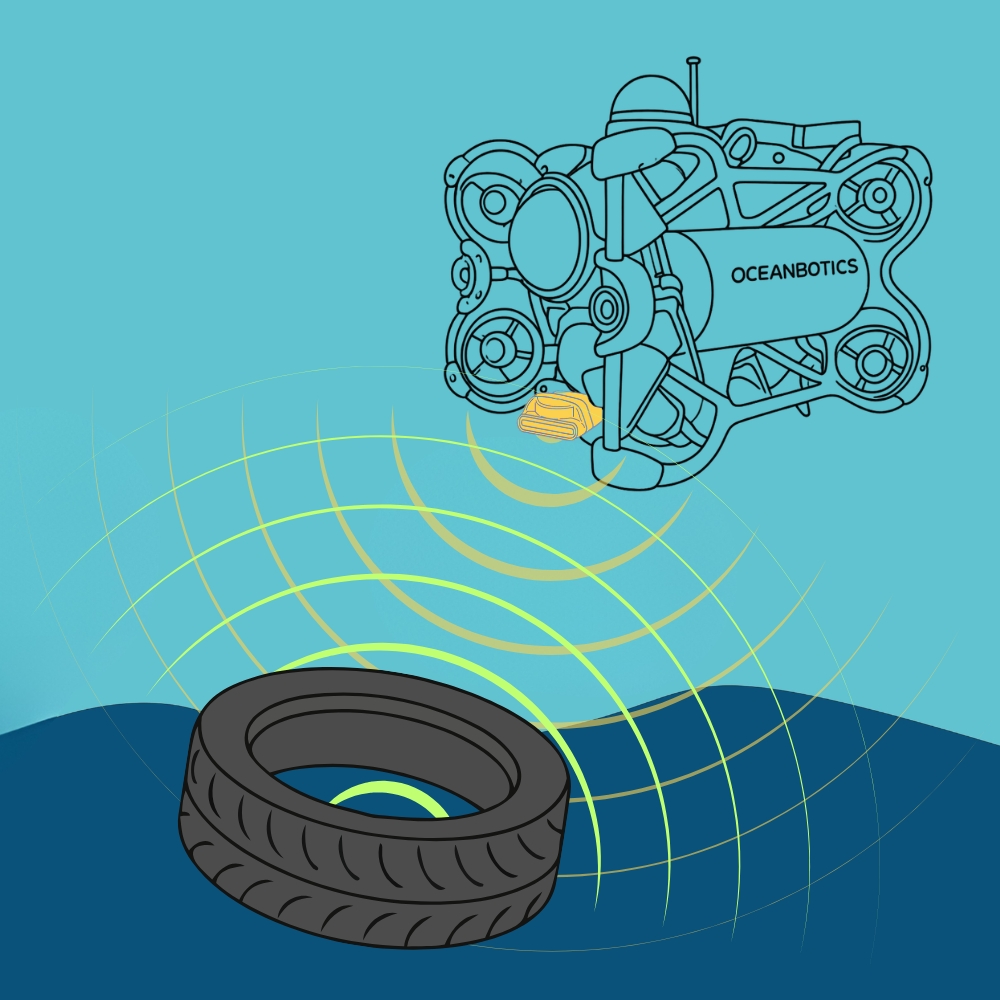
When those sound waves hit an object (like a tire), they bounce off and travel back to the ROV like an echo. The sonar measures exactly how long the sound took to return.
Step 3: The “Acoustic Image”
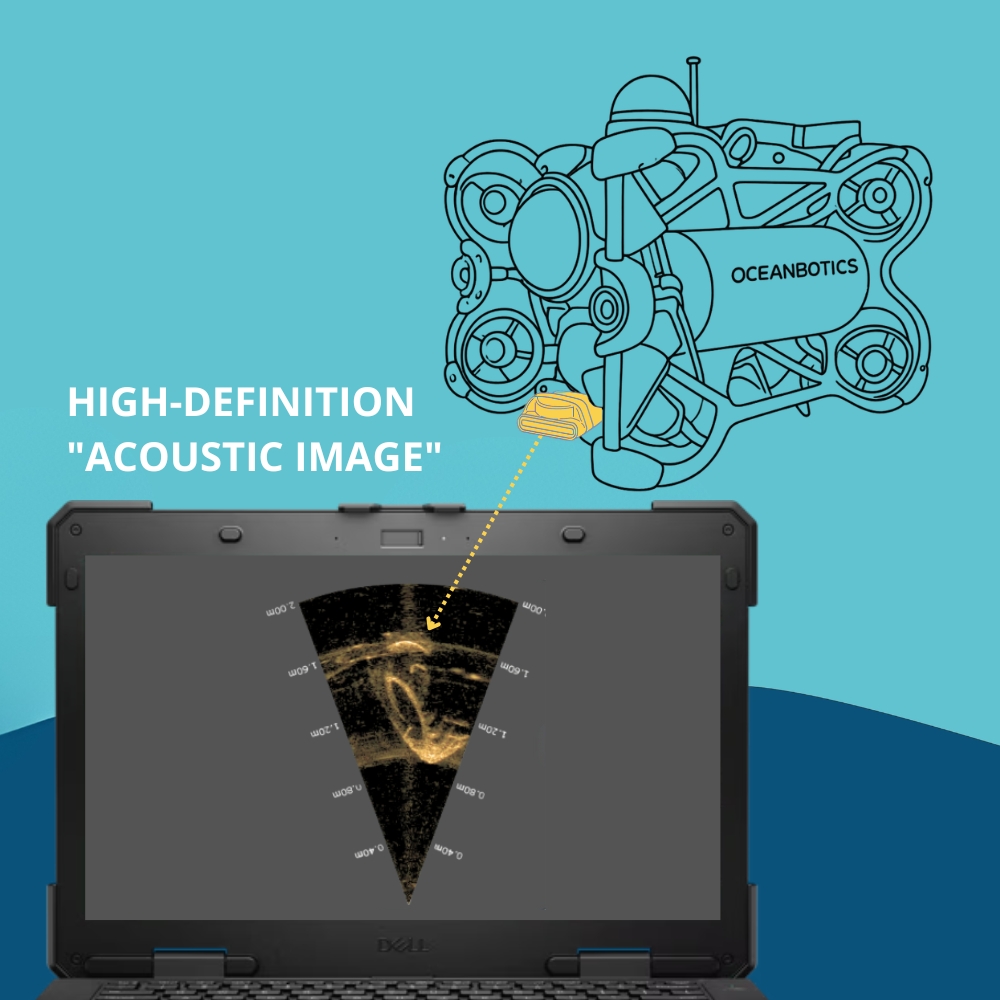
The system can then calculate exactly how far away the object is. By doing this for hundreds of tiny beams simultaneously, the computer builds a real-time, high-definition “acoustic image” on your screen.
Why Do Remotely Operated Vehicles Need Imaging Sonar?
Perform Inspections in Zero-Visibility
Multibeam sonar uses acoustic waves to “see” through sediment, silt, and complete darkness where standard cameras fail. This allows ROV operators to maintain clear situational awareness and navigate safely, regardless of underwater visibility.
Choose Your Frequency (High vs. Low)
Switch between frequencies, which act like a zoom lens for your sound waves, to meet your mission-specific needs:
High Frequency (The “Detail” Mode): Provides sharp, high-resolution images, perfect for identifying specific objects up close.
Low Frequency (The “Search” Mode): Sacrifices some detail to see much further, making it ideal for searching large areas
Record & Export Data Instantly
Record every mission for detailed playback. Your entire team will analyze findings together, revisit specific points of interest, and make informed decisions long after the ROV has returned to the surface.
Multibeam Imaging Sonar v. 4K Camera Inspection
Core Capabilities: Don’t Let Poor Visibility Get You Down
Precise Object Detection and Identification
Detect and identify specific underwater objects, such as shipwrecks, debris, or marine life, even in complete darkness underwater.
High-Resolution Subsea Mapping
Generate detailed 3D models by capturing massive amounts of data points from the seafloor, enabling operators to visualize complex underwater topography like canyons, trenches, and volcanic features.
Infrastructure and Asset Inspection
Monitor critical subsea infrastructure, such as pipelines, cables, and mooring chains, to identify signs of wear, damage, or failure.
Real-Time Obstacle Avoidance
Imaging sonar acts as a vital “safety eye” for ROVs, providing a live, video-style display that allows pilots to detect and maneuver around submerged hazards or obstacles in murky, zero-visibility water.
No Visibility? No Problem.
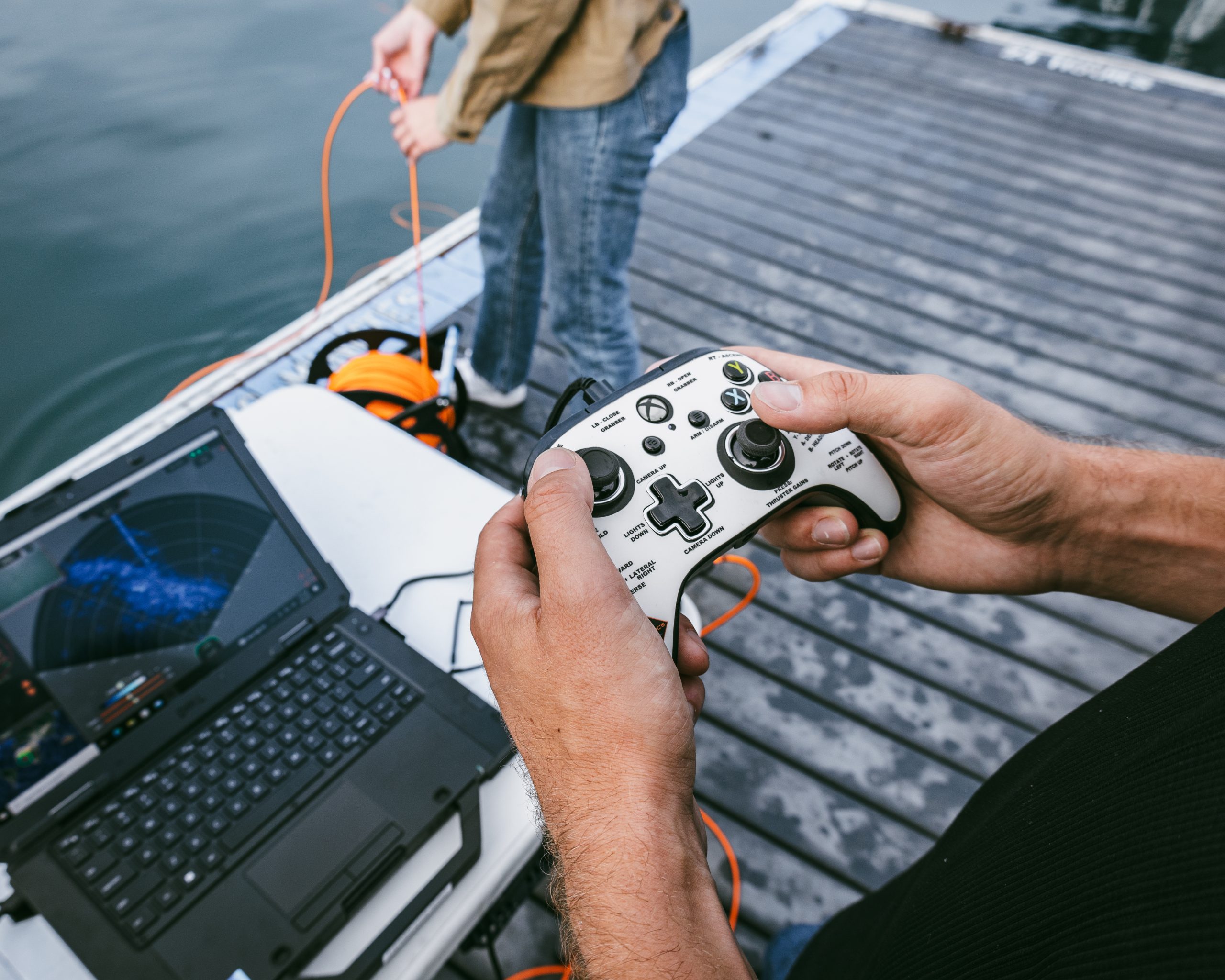
Precision navigation, even when you can’t see.
Performance Specifications by Model
| Model | C500d | M750d | M1200d | M3000d |
|---|---|---|---|---|
| Operating Frequency | 550kHz / 820kHz | 750kHz / 1.2MHz | 1.2MHz / 2.1MHz | 1.2MHz / 3.0MHz |
| Range (Min) | 0.2m | 0.1m | 0.1m | 0.1m |
| Range (Max) | 100m / 30m | 120m / 40m | 40m / 10m | 30m / 5m |
| Range Resolution | 8mm / 5mm | 4mm / 2.5mm | 2.5mm / 2.5mm | 2.5mm / 2mm |
| Update Rate (Max) | 40Hz | 40Hz | 40Hz | 40Hz |
| Horizontal Aperture | 120° / 90° | 130° / 130° | 130° / 60° | 130° / 40° |
| Vertical Aperture | 20° / 20° | 20° / 20° | 20° / 12° | 20° / 20° |
| Number of Beams (Max) | 256 | 512 | 512 | 512 |
| Angular Resolution | 2.24º / 1.5° | 1° / 0.6° | 0.6° / 0.4° | 0.6° / 0.4° |
| Beam Separation | 0.5º / 0.35° | 0.25° / 0.25° | 0.25° / 0.16° | 0.25° / 0.1° |
| SRV-8 Series Integration | All Models | All Models | All Models | All Models |
| Mechanical Specifications | M-Series |
|---|---|
| Dimensions | 125mm (L) x 122mm (W) x 62mm (H) |
| Construction | Anodised Aluminium |
| Weight | 980g (Air), 360g (Water) |
| Depth Rating | 500m |
| Temp. Range (Operating) | -5°c up to +35°c |
| Temp. Rating (Storage) | -20°c up to +50°c |
Frequently Asked Questions
It stands for SOund Navigation and Ranging.
It is an imaging sonar that sends out multiple beams simultaneously to create a detailed, real-time 3D map or image of the seafloor and objects.
Cameras often fail in murky or zero-visibility water. Sonar allows ROVs to “see” through silt, darkness, and sediment where light cannot penetrate.
Active sonar emits its own sound pulses to detect objects. Passive sonar simply listens for sounds already being made by other objects or marine life.
1D (Echo sounders) only measure depth below the sensor; 2D sonar provides a flat, slice-like view; 3D/Imaging sonar provides a volumetric, spatial view of the
High-intensity active sonar can potentially disturb marine mammals that rely on their own natural sonar for communication and navigation, which is why modern systems are designed with environmental impact in mind.
How to Upgrade Your ROV with Imaging Sonar
The Multibeam Imaging Sonar is a plug-and-play accessory. Once it’s connected to your ROV via serial port & IP address, the sonar is fully integrated into SubNav OS software, allowing you to manage all data directly through your existing ROV controller for intuitive operation.
Contact us to upgrade your vehicle today.
Pair the Doppler Velocity Log with any Oceanbotics® ROV